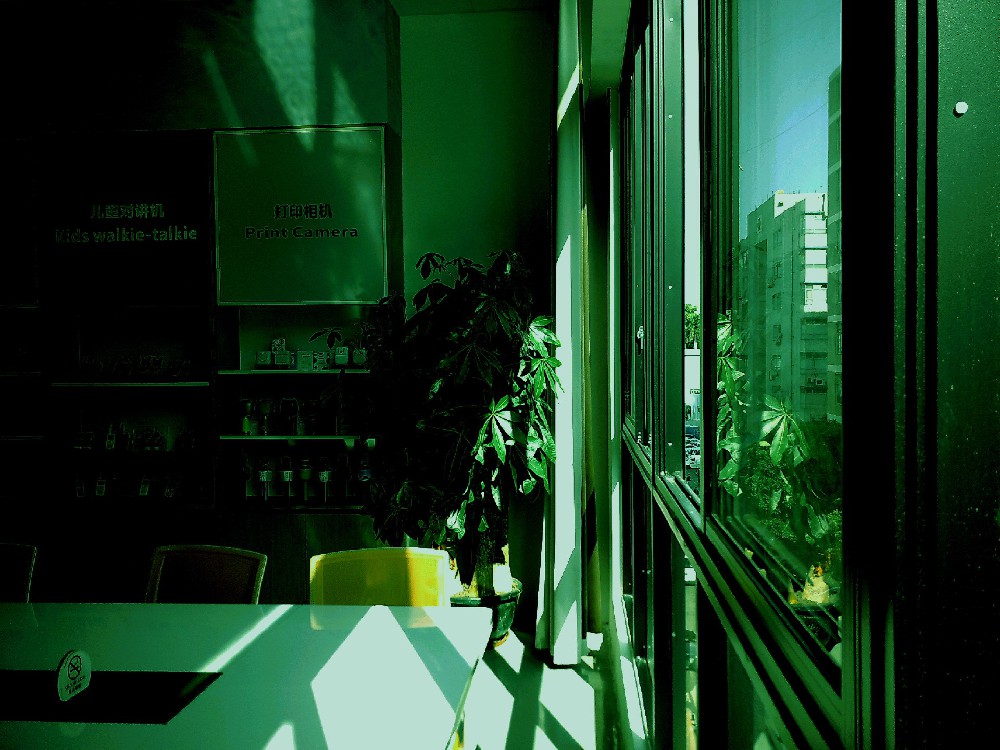
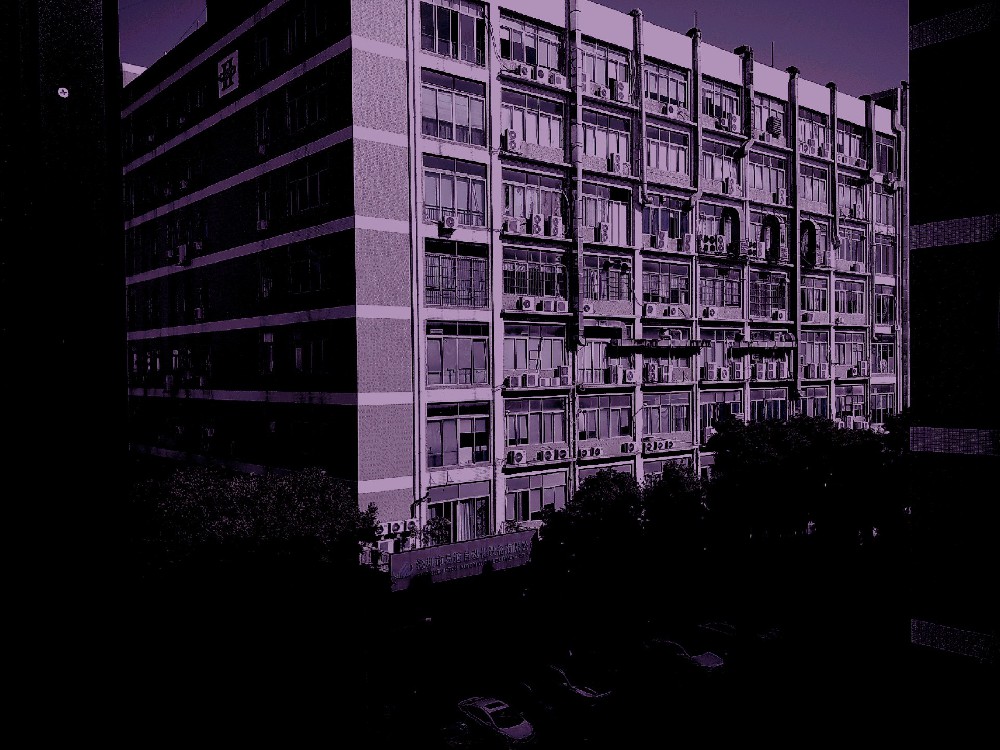
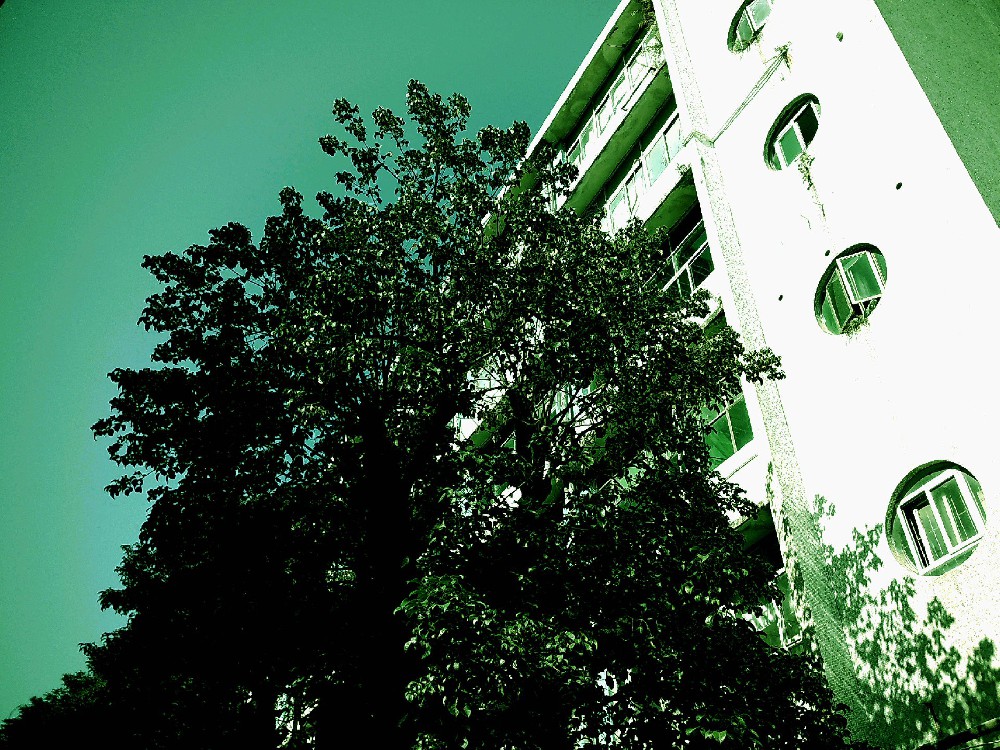
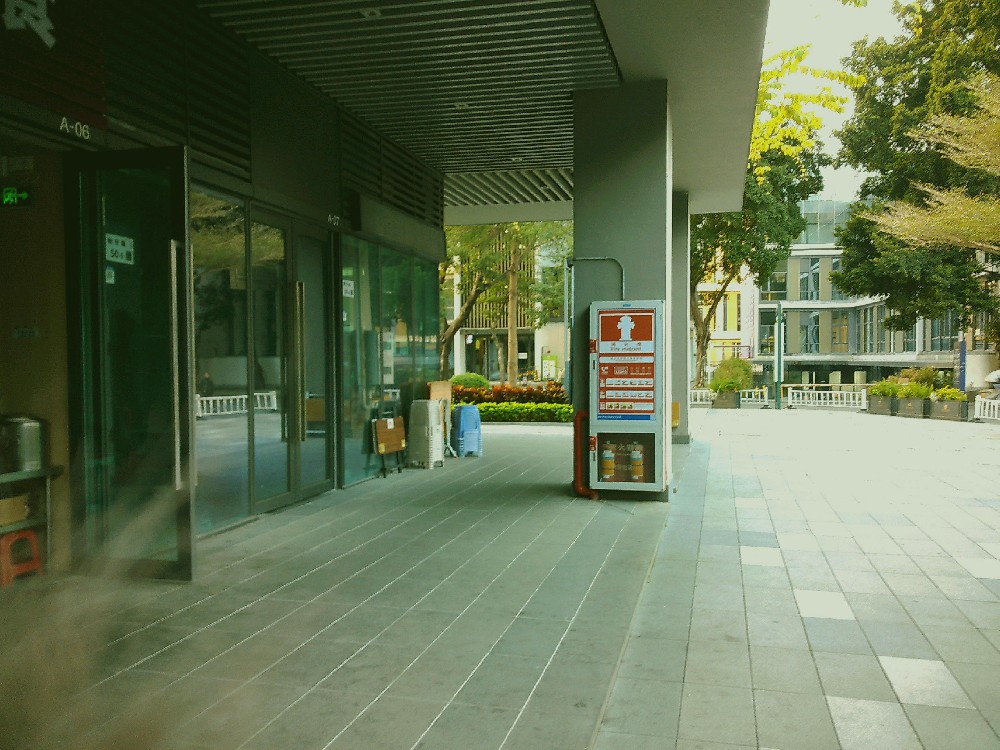
 Model mismatch may cause the filter
to not work properly
Model mismatch may cause the filter
to not work properly 
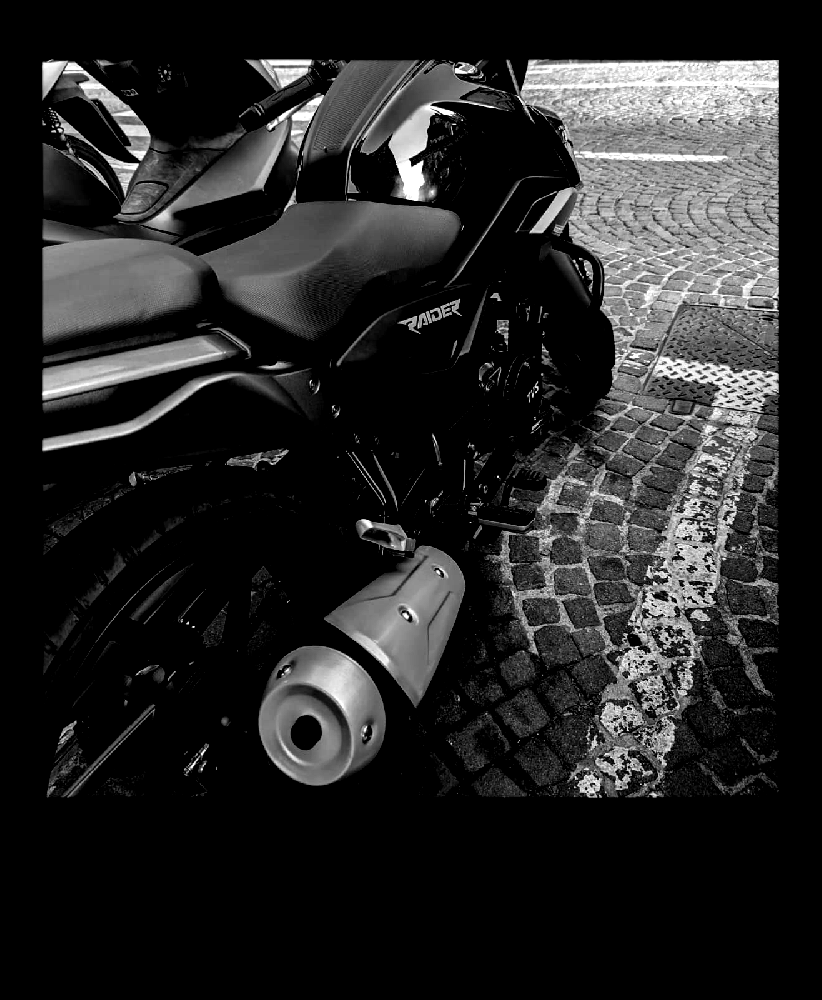
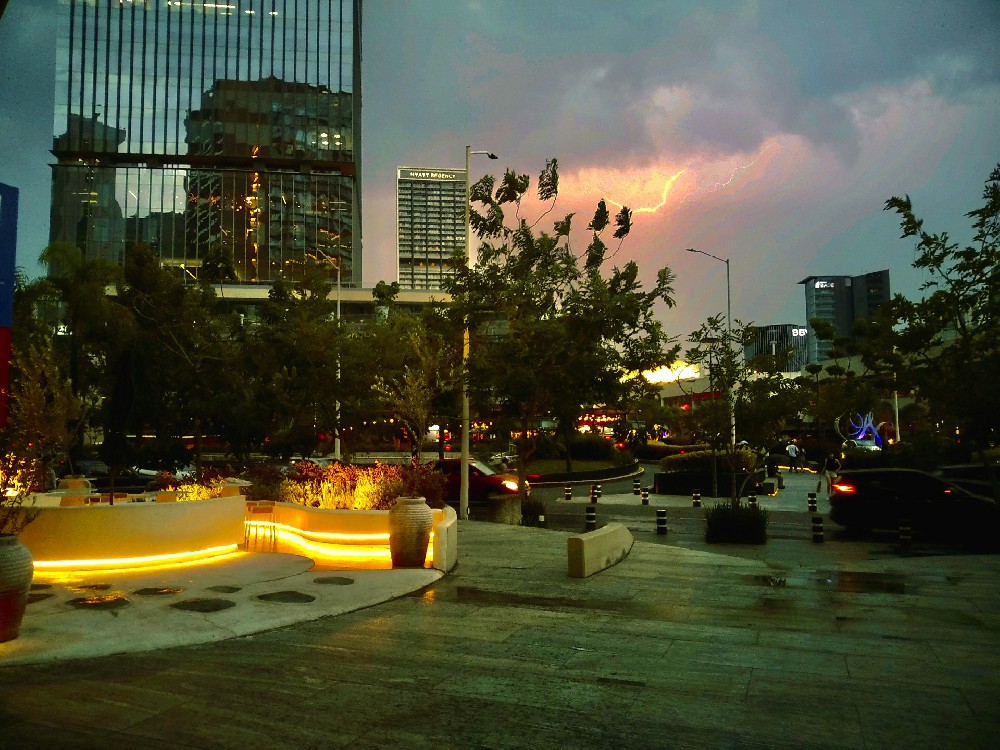
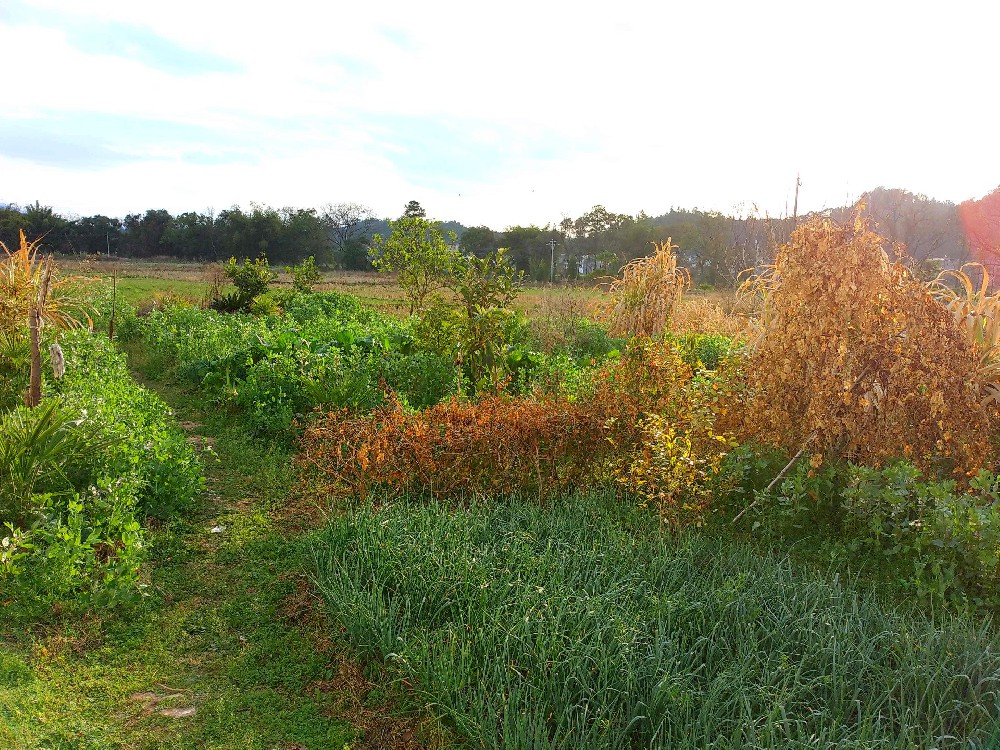
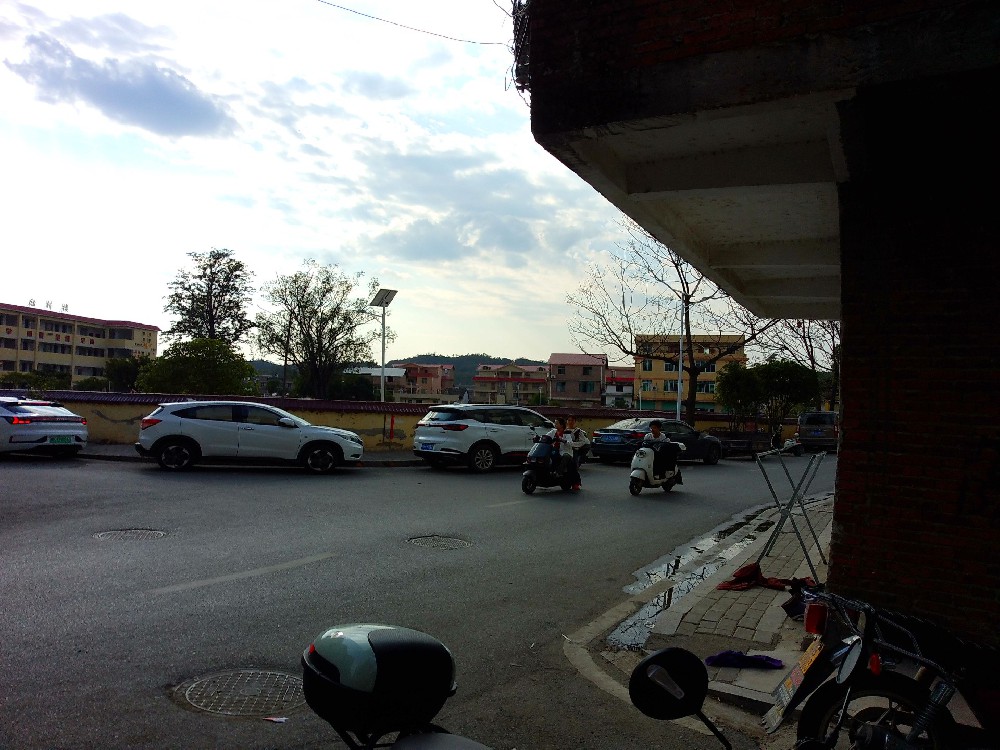
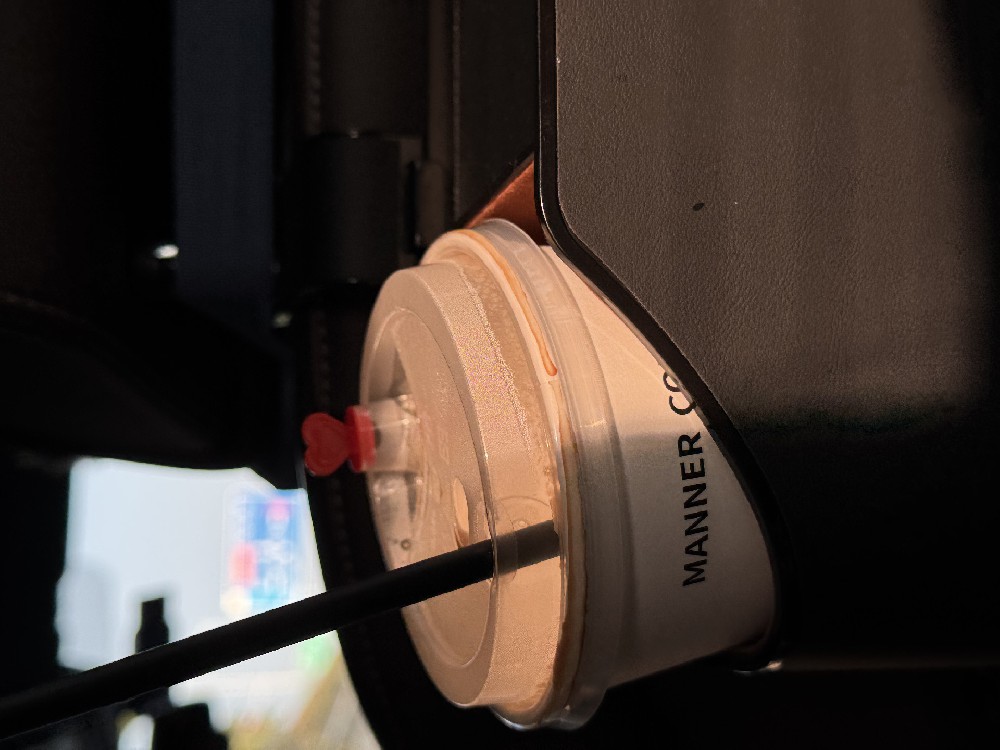
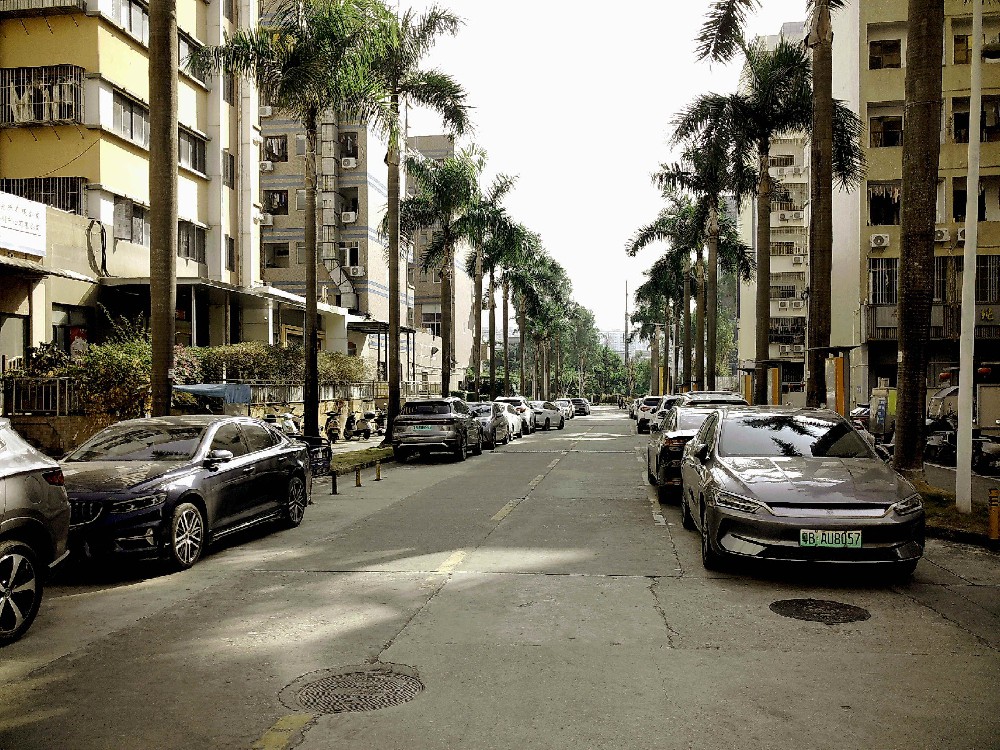
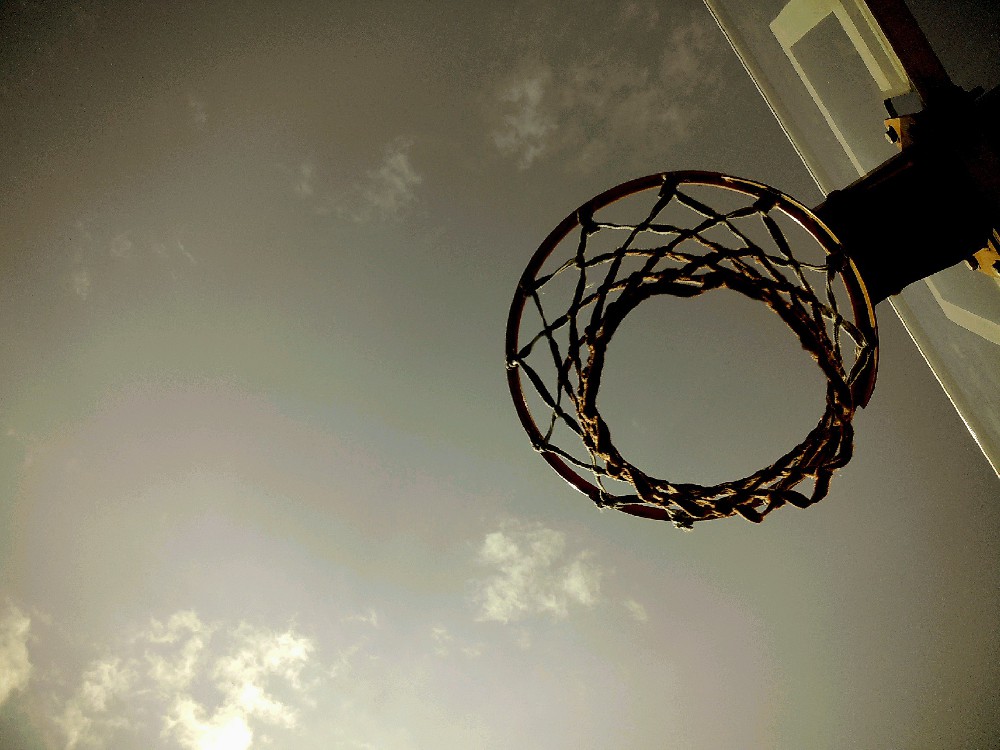
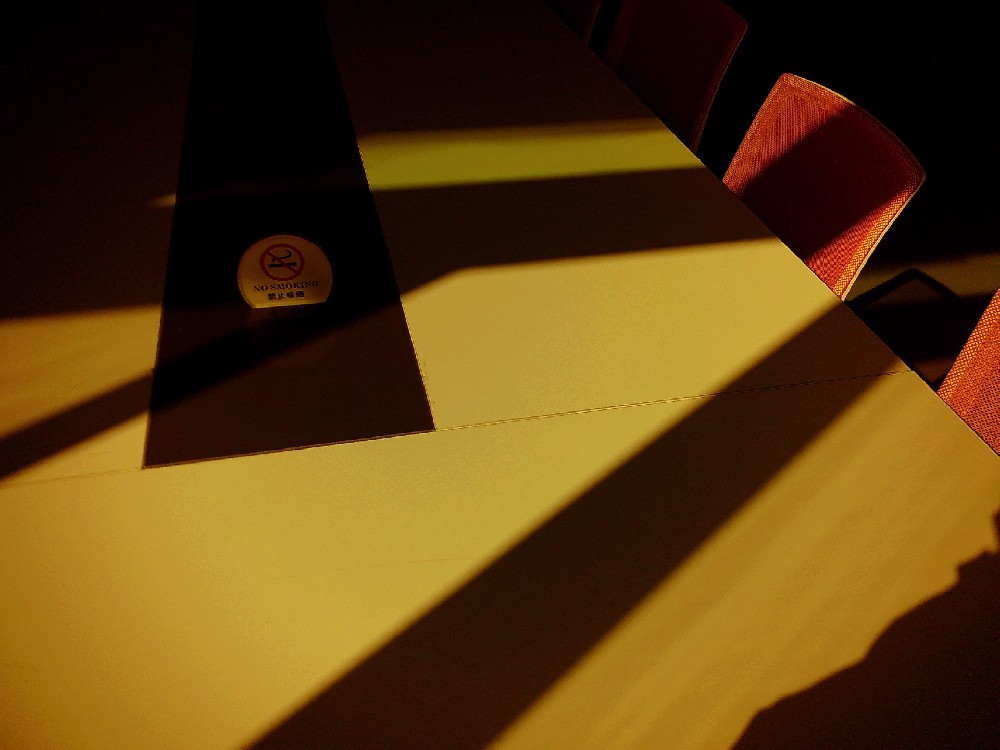
Preview effect
Select default picture
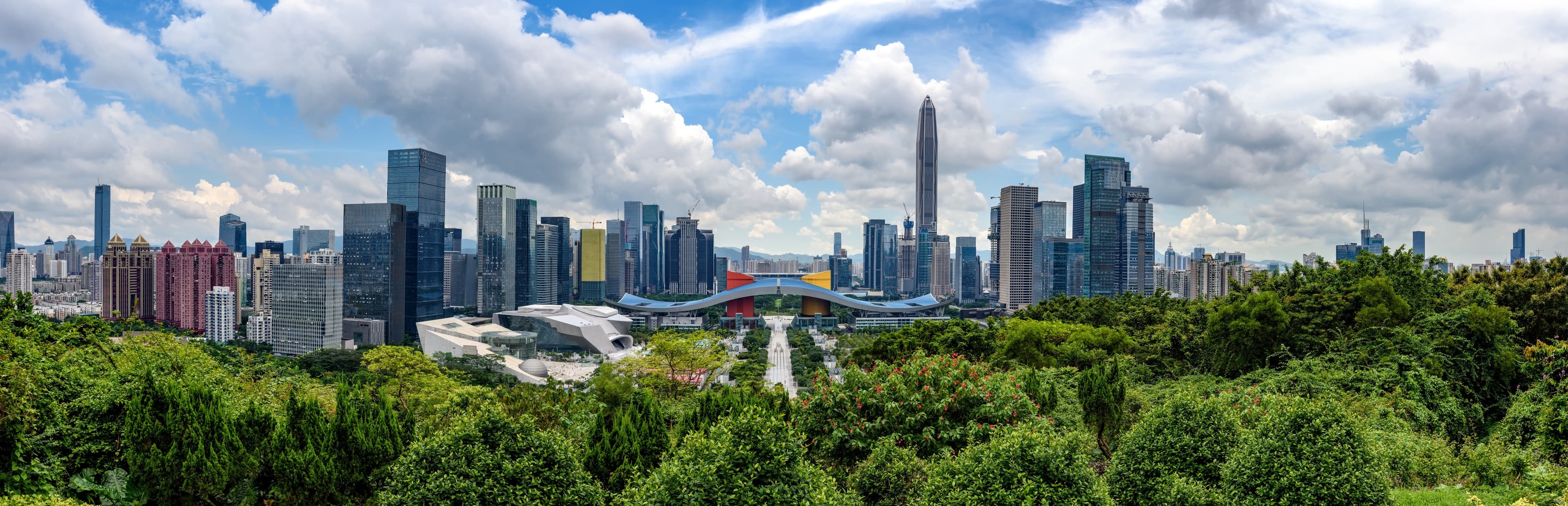 CITY
CITY 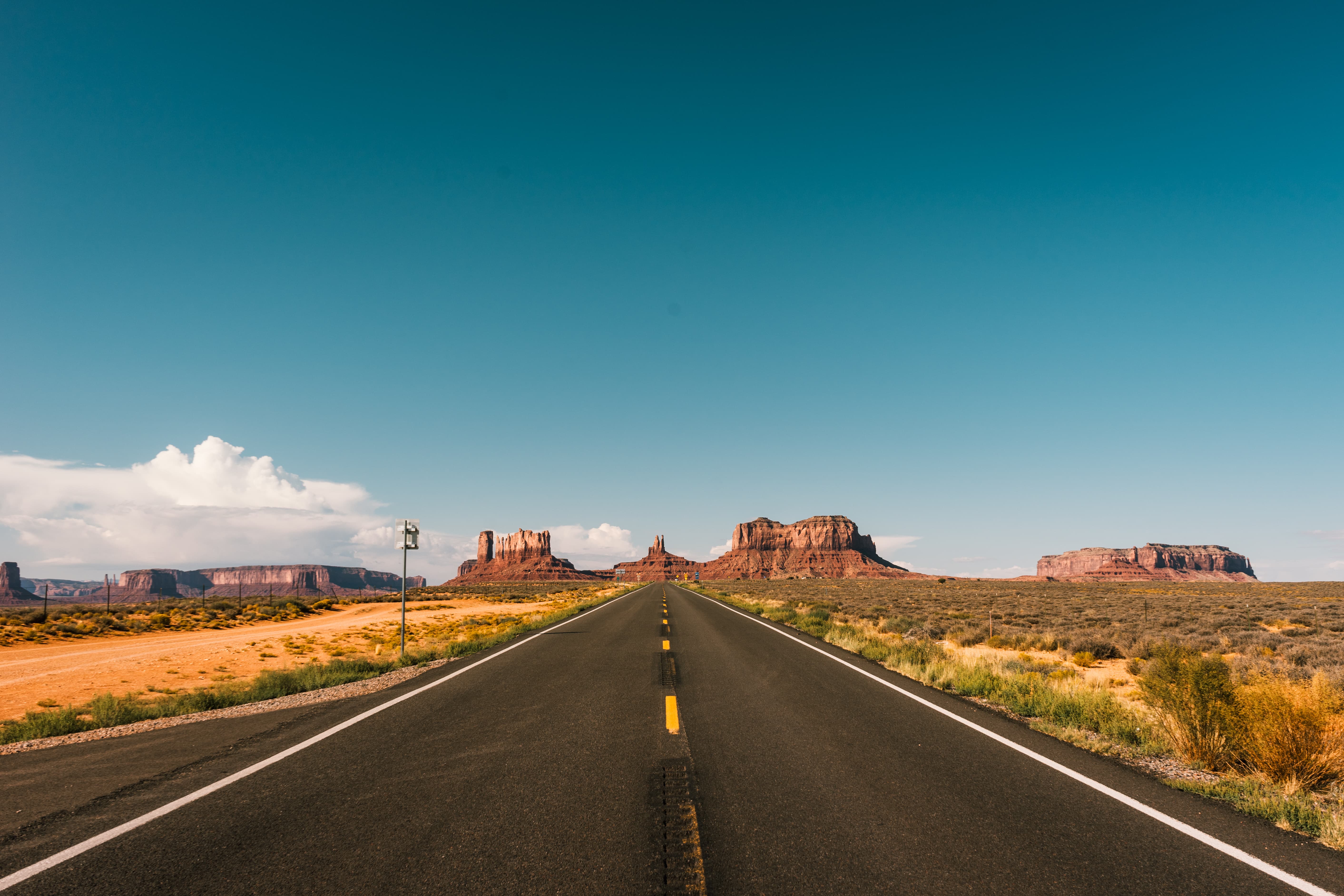 GobiHighway
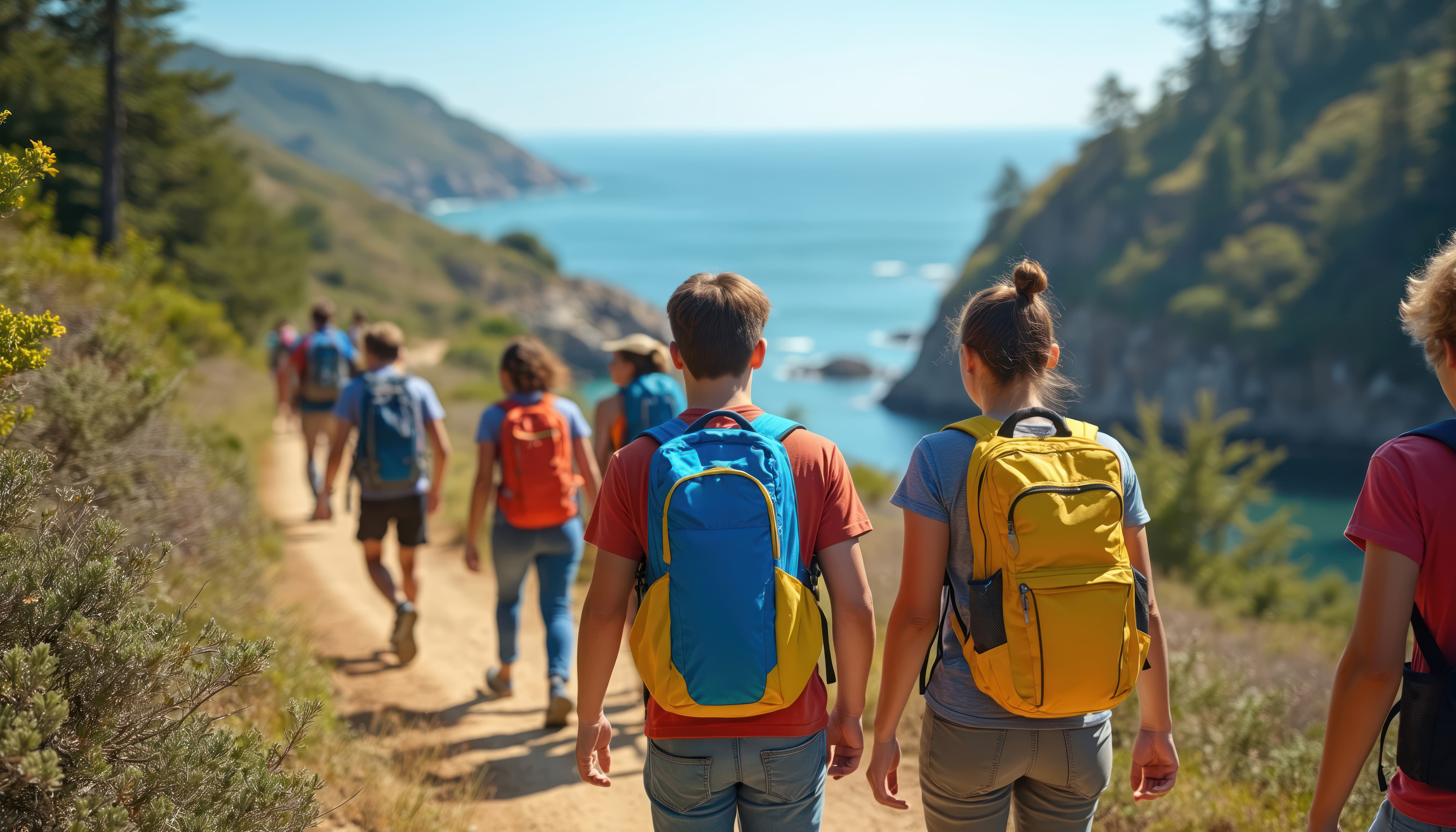 OutdoorAdventure
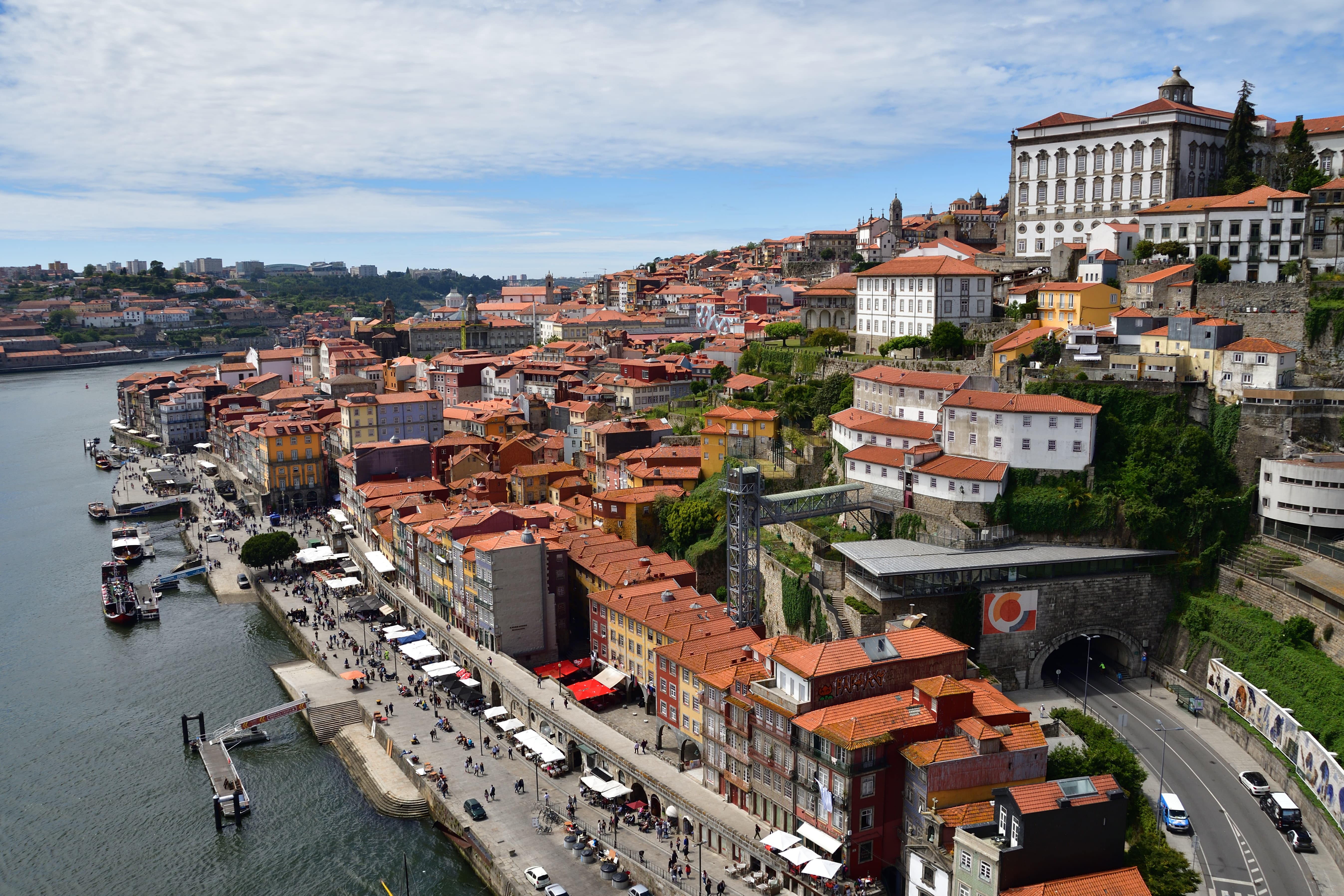 Porto
Porto 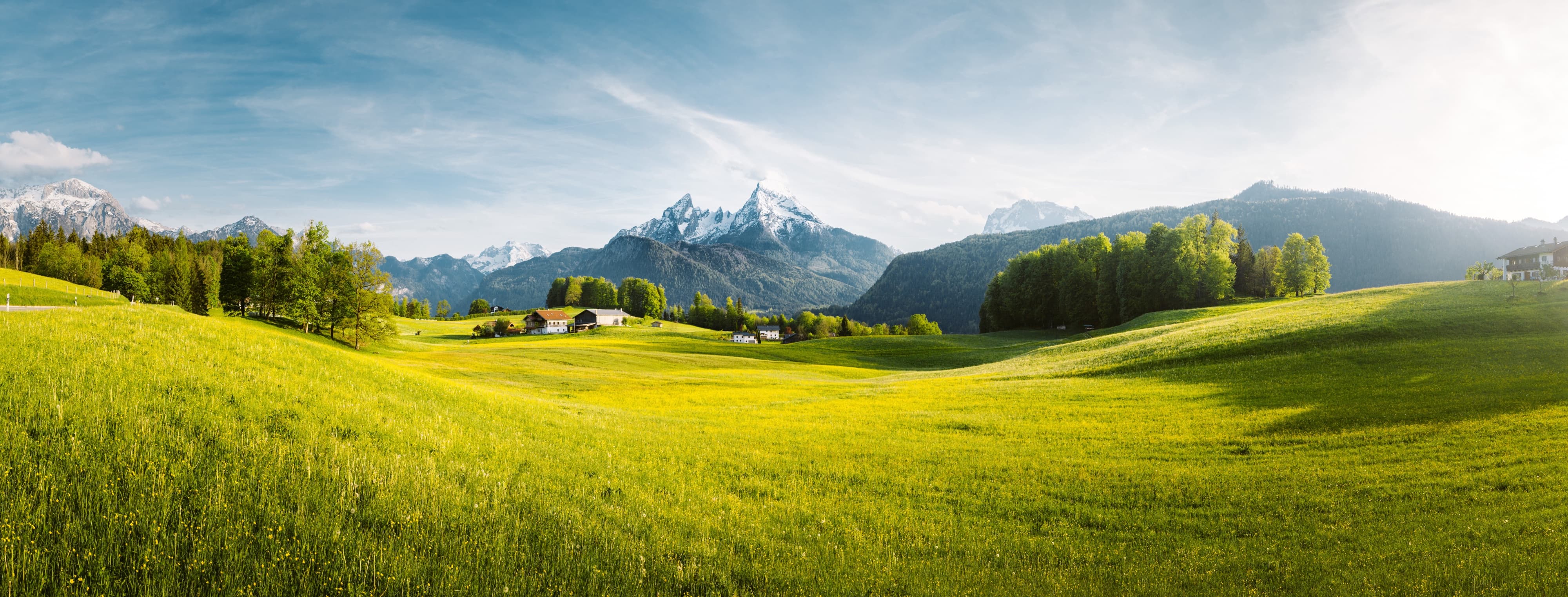 TheAlps
 Upload picture
Click or drag an image into this area
 Click to preview the original image
Preview effect
How to change the filter effect of the camera
1.Copy the filter file (.pro or .air) into the root directory of the camera
2.When you start the camera, "LOAD" will appear for a second. That means it loaded a custom
filter
3. that the camera can only load one custom file at a time. If you have multiple filter files on
your camera, it will pick the first one. We recommend to only hang one on your camera at a time
4.Take some epic shots!
Filter tool
How to change the filter effect of the camera
1.Copy the filter file (.pro or .air) into the root directory of the camera
2When you start the camera, "LOAD" will appear for a second. That means it loaded a custom
filter
3.Note that the can only load one custom file at a time. If you have multiple filter files on
your camera, it will pick the first one. We recommend to only hang one filter on your at a time
4.Take some epic shots!